
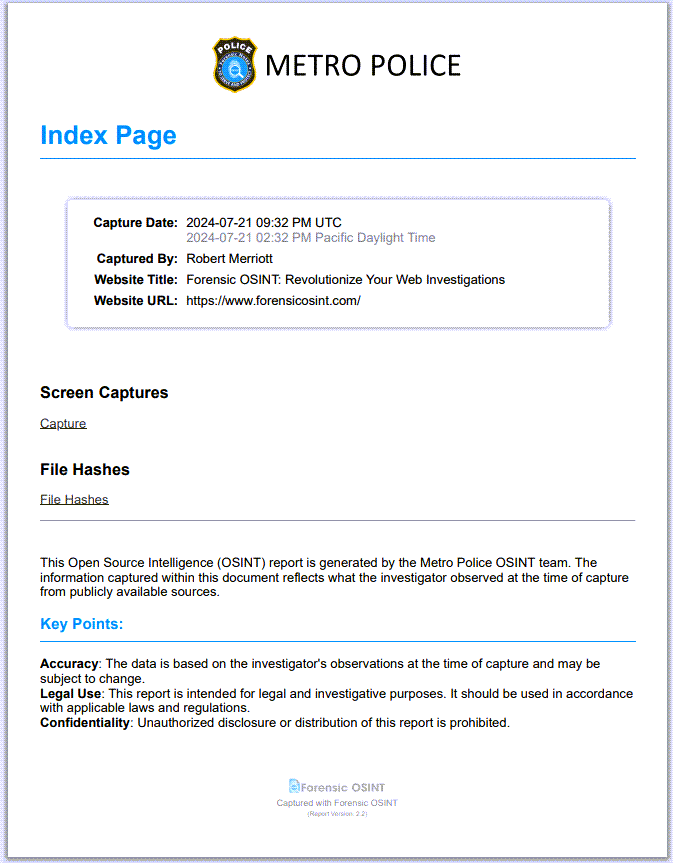
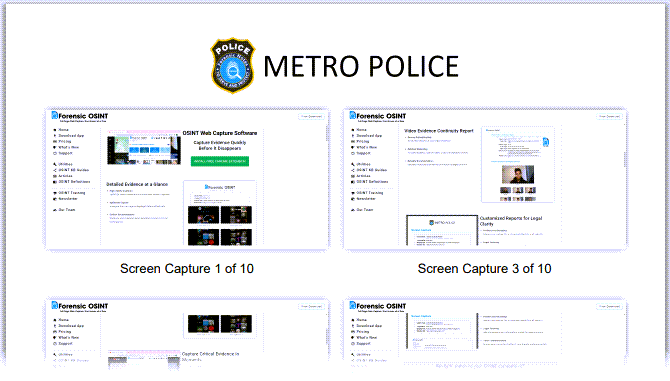
Enhancing your reports with custom branding can significantly improve their professional appearance and credibility. By adding your own custom banner and disclaimer, you ensure that each report aligns with your organization's identity and conveys essential information effectively.
Example report with custom branding
How to customize branding
Follow these steps to customize your reports:
- Go into Case Management System (CMS)
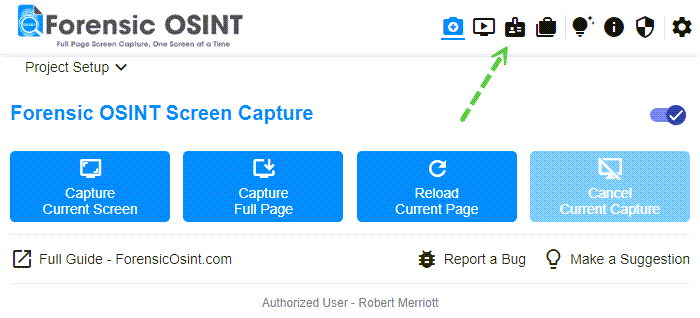
Opening the Case Management System - Navigate to Settings >> Custom Report Branding
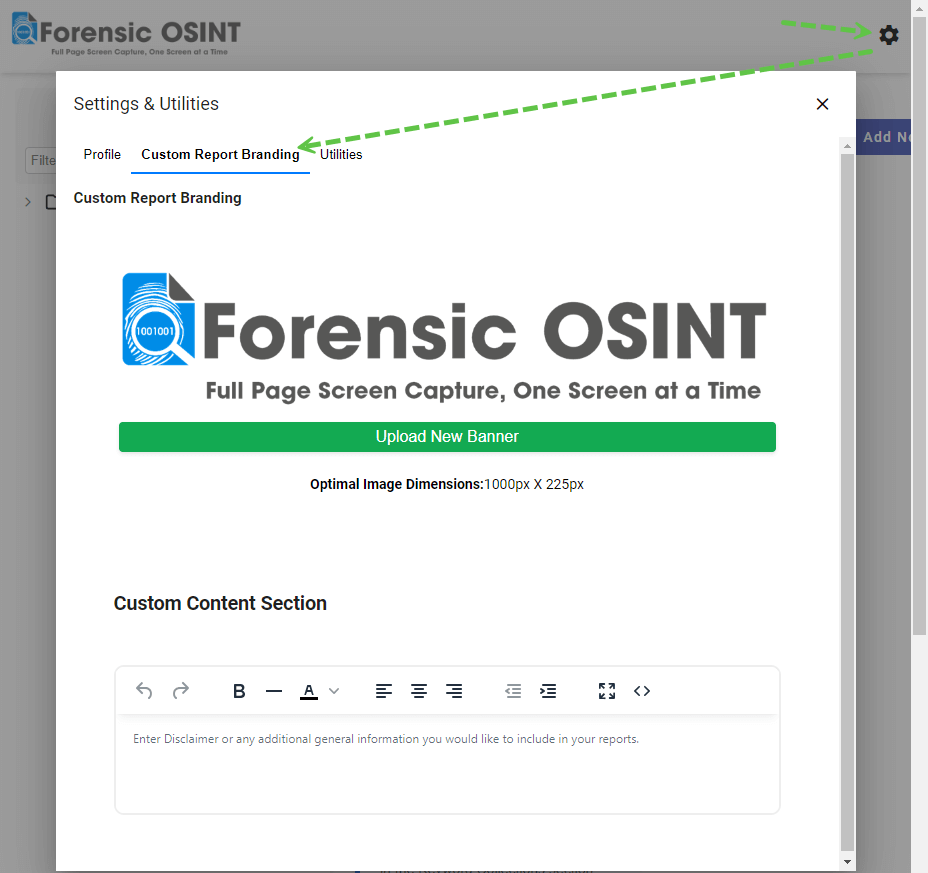
Navigating to Custom Report Branding settings - Click on the banner logo to select a new one from your computer
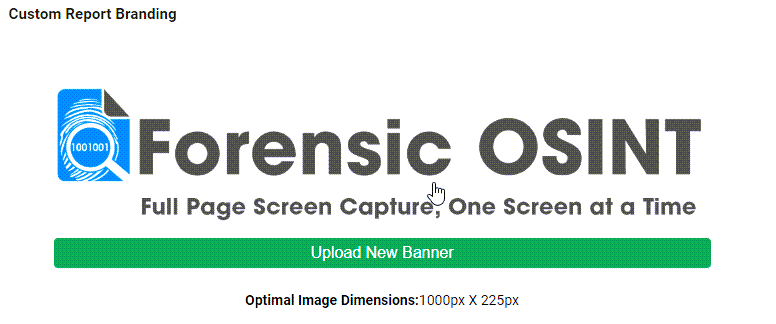
Selecting a new banner logo Tip: Optimal image dimensions are 1946px X 383px. Learn how to fine-tune your banner with proper padding and formatting.
- Add your custom disclaimer
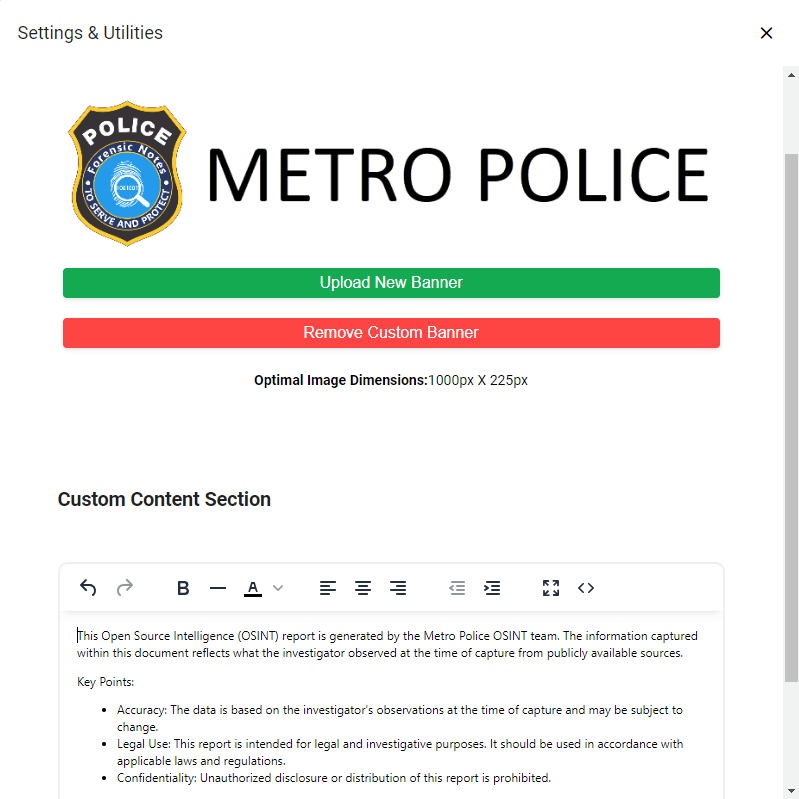
Adding a custom disclaimer to your reports
Disclaimer
The disclaimer section can be tailored to suit your organization's requirements.
You can include a custom disclaimer along with additional information about your organization or details on how you conduct OSINT investigations.
