Capturing your current screen using Forensic OSINT is a simple process. Follow the steps below to ensure accurate and efficient screen captures.
Steps to Capture Current Screen
1
Open Forensic OSINT
Launch the Forensic OSINT extension in your browser.
2
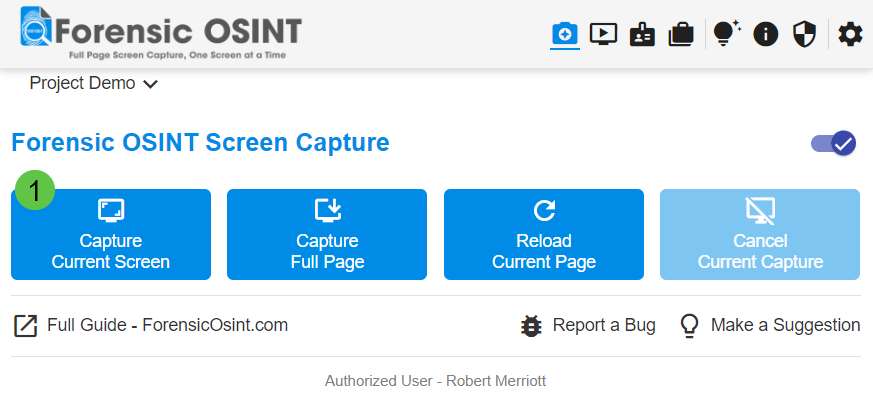
Capture Current Screen
Click on "Capture Current Screen".
3
Confirm Capture in CMS
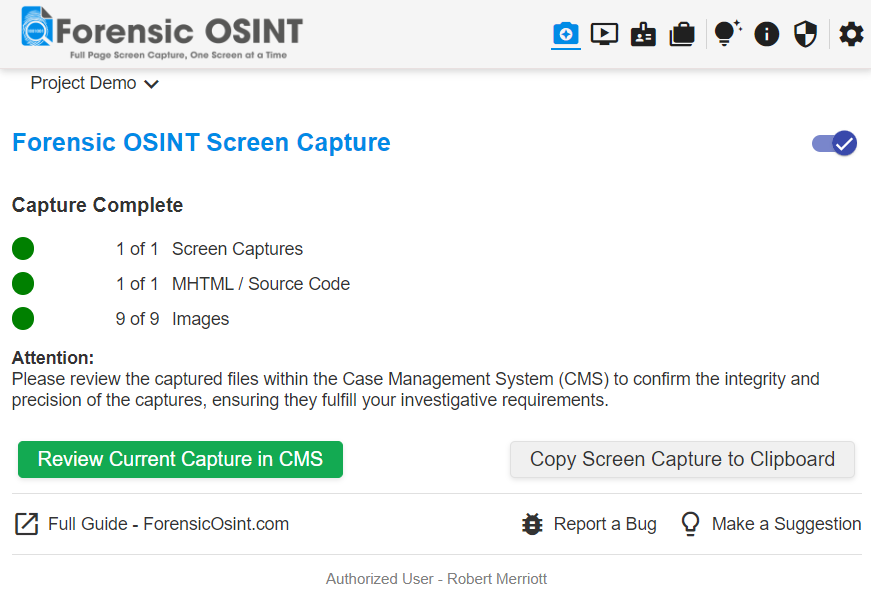
Please review the captured files within the Case Management System (CMS) to confirm the integrity and precision of the captures, ensuring they fulfill your investigative requirements.